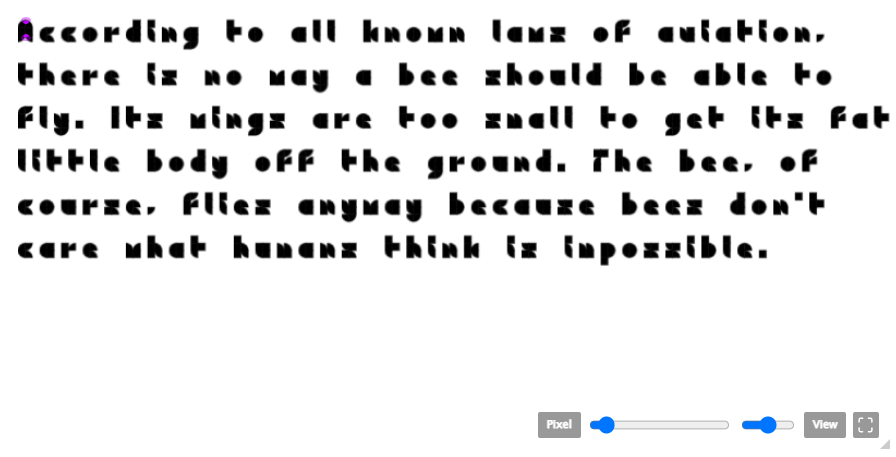
@Sasquatshhh - Under “Menu” > “View”, enable “Filters”. This will display the Filters window, where you can adjust the horizontal and vertical for brick sizes and grid scales.
The second option, where the 1:2 slopes are 2/√5 ≈ 0.8944 bricks wide, is close enough to 1 to be satisfactory, and is practically simpler (it is what I use in Slopes).
For example, the leftmost is the current grave at a 1:2 slope,
which is about 1/8 of a block too thick, and the second to the left
is the next thinnest
@BWM It probably is too thick - I meant that to be more of an
example of how I'd scale up the font, but I'd of course refine it
so that the lines are equal (or
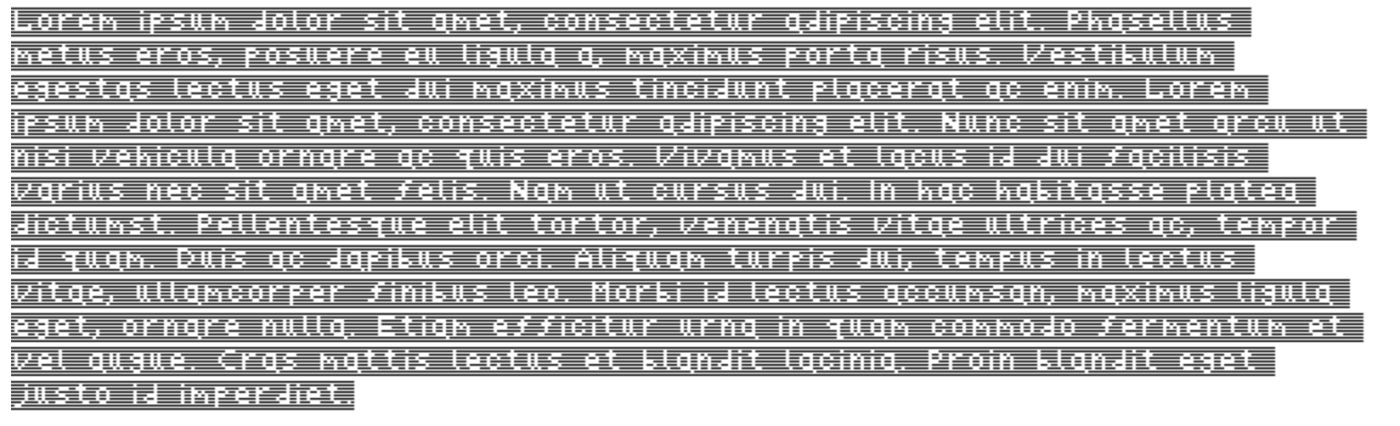
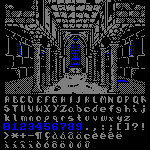
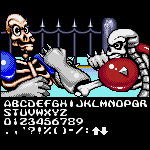
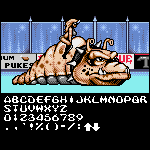
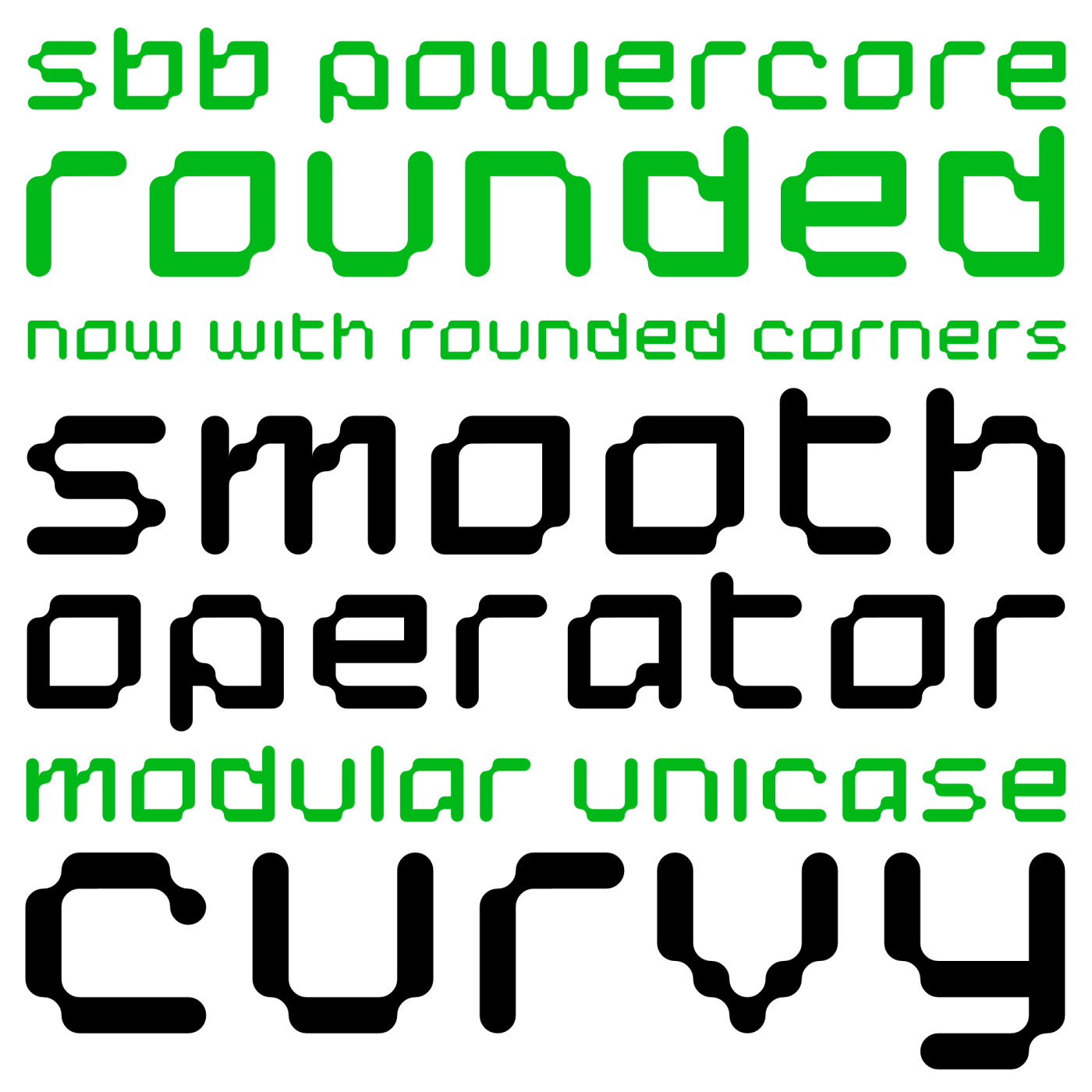
If it helps, I have a font with all the slopes you might need (1:1, 3:4, 2:3, 1:2, 1:3, 1:4, and 1:6, all with (near-)unit width lines and corners in all orientations).